Episode 4 companion
Printers Are Still a Thing. Which Printers?
The printers on my desk are not office copiers. They are the stubborn frontline machines behind coffee labels, hospital wristbands, receipts, and checkout lines. Those are the devices I want us to manage.
At a glance
The short answer
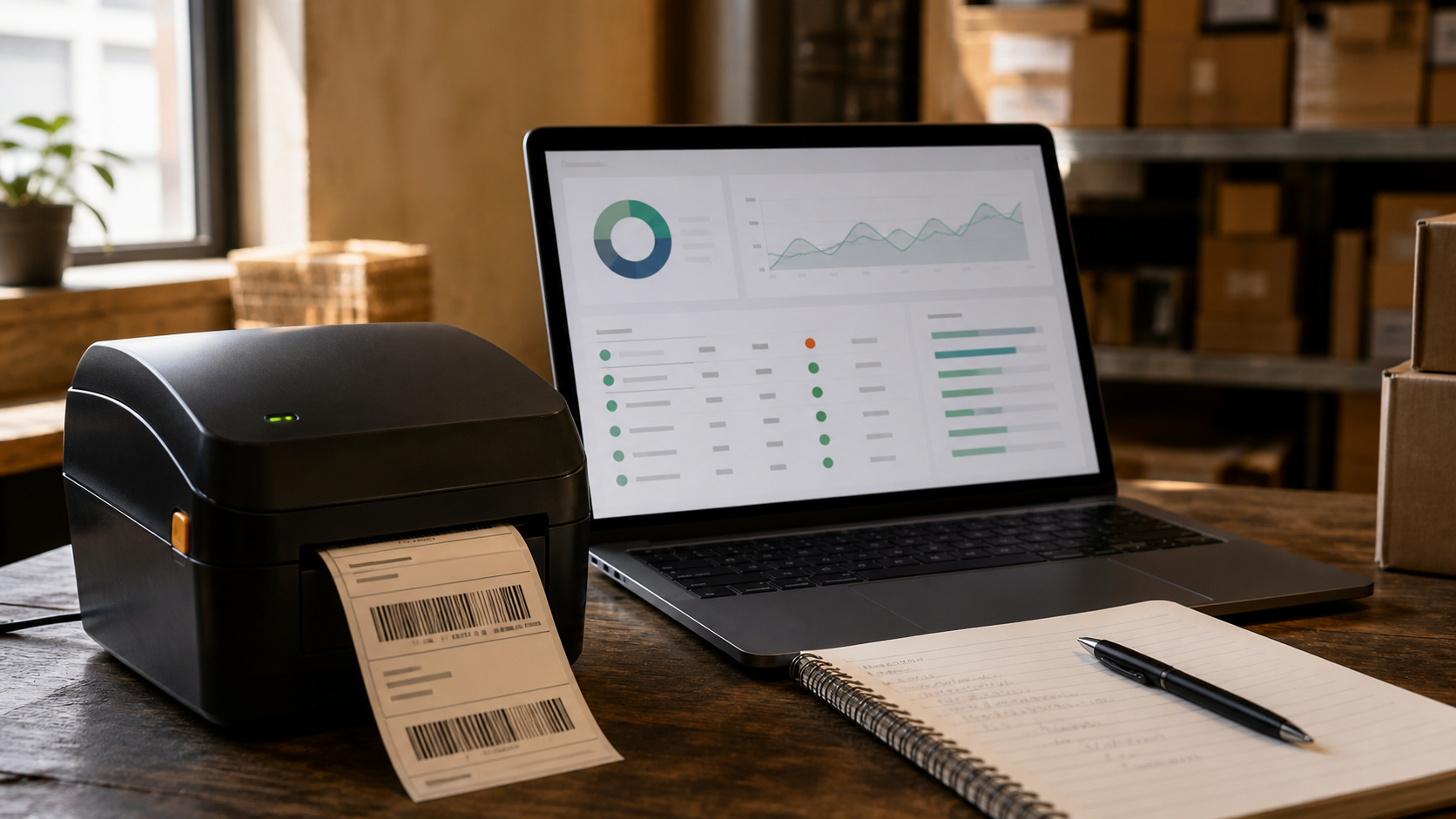
Modern Printer Management here is aimed at supported frontline thermal printers, including label, receipt, desktop, industrial, and mobile devices. It is not a shared office print-queue product. The priority is fleet availability, health, configuration, firmware, and alerts that can trigger action before the line stops moving.
When my son was born, the hospital printed my visitor pass on an adhesive label. The photo looked like nobody I know, but my name and the date were right, which was apparently the important part.
Beside the bed, another thermal printer handled wristband and clinical labels. Once you notice these devices, they are everywhere.
That is also why the phrase "printer management" needs a boundary. The copier near the conference room and the mobile label printer clipped to a frontline worker both put marks on paper. They are not the same product problem.
No, not the conference-room copier
This is not a print-queue product.
Shared office printers and copiers live in a world built around end users and print jobs: who printed what, which queue gets it, how the job is routed, and whether the output should be color, duplex, stapled, or held for release.
Important problems? Yes. My problem here? No.
I am looking at the device from the administrator's side. Is it enrolled? Is it secure? Is it connected? Is it healthy? Will it be available when the workflow reaches it?
That last question sounds routine until a checkout lane, pharmacy station, loading dock, or hospital desk cannot continue because its printer is down.
The printers hiding in plain sight
The focus here is thermal printing. You have probably interacted with several of these printers without giving them much thought:
- the name label on a coffee order;
- a boarding pass or baggage label at the airport;
- a visitor badge, patient wristband, pharmacy label, or specimen label in healthcare;
- a receipt at checkout;
- the order label attached to a delivery bag; and
- the shipping and inventory labels moving through a warehouse.
In the video, I put several of them on the desk. The smallest is a battery-powered mobile unit that can move with a worker. The desktop models often sit beside a point-of-sale or fixed workstation. The large industrial printer is built for heavier workloads and much larger rolls.
Different size. Different price. Different job. Same question: can the business rely on it when the work reaches it?
Please tell me before the line forms
Administrators still need the management basics: firmware and security updates, Wi-Fi profiles, certificates, enrollment, print darkness, quality, and device-specific settings.
Here is the opinionated part. I care more about whether the printer is available than whether we found a ninth settings screen for it.
Printers are often closer to set it and forget it than the phones and computers we manage. Once the configuration is right, changing settings every week is not the win. Knowing that the printer has stopped doing its job is the win.
Is it online? Did it lose its network connection? Is the battery dying? Is the roll almost empty? Did it jam? At a point of sale, those are not interesting diagnostics for later. They are the difference between a customer checking out and a line starting to form.
A red dot is not the finish line
A red status dot is not intelligence.
A red dot that waits for an administrator to notice it is mostly decoration. The useful version wakes up the right team, starts the right workflow, or spots a pattern before a checkout line forms. A low battery can trigger action before a shift starts. A disconnected printer can reach the team that owns it. Fleet reporting can show health and print volume over time without asking an administrator to inspect every device one at a time.
The recording also looks beyond printers to devices such as RFID sleds. I still think the shared IoT foundation is the interesting part of the architecture. But a device using a familiar protocol is not the same as a shipping product integration. Current product and manufacturer documentation remains the source of truth for what is supported today.
For Episode 4, the simpler point is enough: we are not trying to own the office print queue. We are trying to make the frontline printer visible, manageable, and dependable as part of the device fleet.
Until we jam again, take care.
Skip around
Chapters
- 0:00What printer management means here
- 0:23Why office print queues are a different problem
- 2:02The thermal printers we are talking about
- 2:38Where frontline printers show up
- 4:10Industrial, desktop, and mobile form factors
- 5:30What administrators need to manage
- 6:55Why availability is the priority
- 8:04Automation, reporting, and security
- 9:21What the platform could consider next
The words, without pressing play
Transcript
Reviewed against the recording, with punctuation and formatting added for readability. The claims and caveats are unchanged.
[00:07] Hey everybody, welcome back to the Jam. Thank you so much for joining for Episode 4. We are going to talk about what this printer management solution is, and what it is not.
[00:23] Let us start with the first question I get a lot. When we say printer management, can we manage all kinds of printers? That includes some of the printers you see here, but especially the office printers that print pages for many people through shared print queues.
[00:50] Technically, if those printers had the right specifications and connectivity, it could be possible to manage them. But that is not generally what we mean here by printer management, and it is not the problem we are targeting today.
[01:16] Page-printing solutions already do more than device management. They manage the end-user experience and print queues: who printed what and how those jobs reach a shared printer. We are approaching this from the administrator's side, managing devices and giving administrators useful information and analytics about the printers.
[02:02] So what are we managing? Primarily, we are talking about thermal printers like the ones on this desk.
[02:17] Walk into a coffee shop and the label with your name may come from a thermal printer. At an airport, baggage labels and boarding passes are thermal-printing workflows too.
[02:43] A recent example for me came with the birth of my son. The hospital printed a visitor pass on an adhesive label using this exact kind of printer. The photo looked like nobody I know, but my name and the date were there, which was apparently the important part.
[03:12] Beside the patient bed, another printer handled labels for wristbands, pharmacy workflows, and other clinical uses. Think about the labels placed on test tubes after a blood draw. Those are frontline thermal-printing jobs too.
[03:38] The same pattern appears in retail and food delivery. An order arrives with a name or order number on a label. At a grocery checkout, a receipt prints. These are the kinds of printers and use cases we are discussing.
[04:10] Thermal printers come in many sizes for many functions. The large industrial models can cost thousands of dollars, print larger labels in more detail, and are not especially mobile, but they are absolutely part of this category.
[04:44] The intermediate desktop models may connect through Ethernet or Wi-Fi and often sit beside point-of-sale systems or in coffee shops. They can move, but they still expect a fixed power and network setup.
[05:11] Then there are truly mobile printers. They have their own battery and Wi-Fi connection, so a worker can carry one through a shift and print where the work is happening.
[05:30] From an administrator's perspective, management begins with configuration. You enroll the printer and send the profiles it needs. Firmware is one of the most important pieces because teams need the right security updates and patches.
[06:11] Mobile printers may also need Wi-Fi profiles and certificates so they connect to the correct corporate network. Printing settings matter too: the equivalent of quality, darkness, and other output controls varies by printer and workflow.
[06:55] But the most important management question is availability. Printer configurations can be closer to set-it-and-forget-it than configurations on some other devices. Once a printer is working, you usually do not want to keep touching it. You do want to know immediately when it stops working.
[07:38] At a point of sale, a down printer can stop a customer from checking out. Administrators need to know whether the printer is online, jammed, disconnected, low on battery, or out of its label or receipt roll.
[08:04] Availability data becomes much more useful when it flows from UEM into Intelligence. Now we can think about automation: battery alerts, connectivity checks, proactive actions, and the same kinds of workflows we already use for other managed devices.
[08:31] Reporting matters too. How many labels did the fleet print? What was the health of those printers over time? Availability is the first priority; configuration is important, but secondary.
[08:47] Security still matters. Once a printer connects to corporate Wi-Fi, security teams need it to meet the same expectations around current firmware, approved configuration, and network access as the rest of the device fleet.
[09:21] This recording focuses on thermal printers, but the underlying IoT approach raises a broader question. Other devices that use similar protocols may eventually fit the same management foundation. RFID sleds, such as Zebra's RFD40, were one example under consideration when this episode was recorded. That is direction, not a current support promise.
[09:59] Hopefully that makes the boundary clearer: what we are managing, what we are not managing, and why. Let us keep going until we jam again. Thank you for joining me, and I will see you later.


Have a thought?
Comments
Agree, disagree, or tell me what I missed. I read comments before they appear here.
Loading comments…